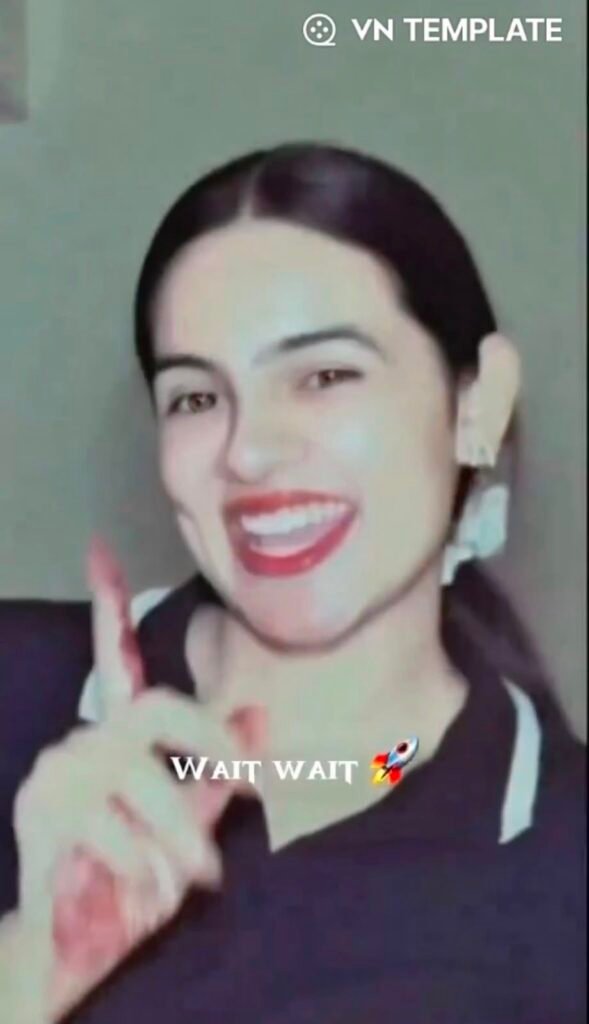
VN Video Editor has become one of the most popular mobile editing applications for creators, influencers, and editors who want professional, cinematic output without complex software. By using VN Code templates, creators can instantly apply predefined transitions, keyframe animations, and color grading setups to their footage.
1. Key Benefits of Using VN Editor and VN Codes
- Precision Control: VN offers exact frame-by-frame timing and keyframe speed curves.
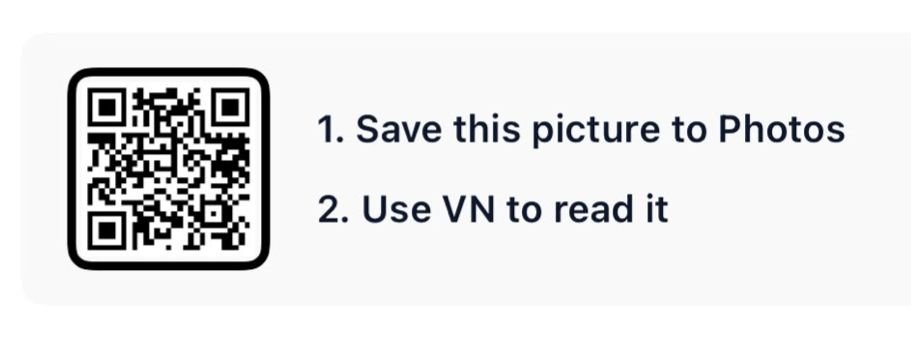
- Instant Style Import: Scanning a single QR code automatically applies pre-set video timelines, music sync, and effects.
- Multi-Track Capabilities: Overlay text, background tracks, stickers, and color filters seamlessly.
2. How to Use and Scan a VN Code (Step-by-Step Guide)
Follow these simple steps to import and apply any trending VN Code template:
- Save the VN Code Image: Save or screenshot the template QR code image to your phone’s photo gallery.
- Open VN Video Editor: Launch the app on your mobile device.
- Access the Scanner: Tap the three dots or the Scan icon located at the top right corner of the home screen.
- Import from Gallery: Choose the saved QR code image from your gallery. The app will automatically process the template.
- Replace Clip Media: Tap Use Template and select your own video clips or photos to match the template placeholders.
3. How to Create Smooth Transitions Between Clips
- Exact Action Trimming: Import your primary video clips into VN and trim them precisely at the peak moment of movement or action.
- Transition Settings: Select the transition icon between two clips and pick options like Zoom In, Dissolve, or Blink.
- Duration Adjustment: Keep transition duration between 0.2s to 0.5s for high-energy reel edits.
4. Optimizing Video Pacing for Maximum Engagement
- Use the Curve Speed Tool to fast-forward minor scenes and slow down key highlight moments.
- Sync high-impact visuals directly to the beat drops of the audio track for better audience retention.
5. Pro Tips for AdSense-Quality Content
Creator Tip: Always customize the template’s default color LUTs and text fonts to match your own personal brand style. Avoid uploading raw template outputs without adding unique clips or personal voiceovers, as search engines prefer original and valuable content.
Conclusion
Mastering VN Code templates allows you to keep up with viral social media trends effortlessly while maintaining high-quality video production. Use the step-by-step workflow above to streamline your editing process and boost viewer engagement across Instagram Reels, TikTok, and YouTube Shorts.