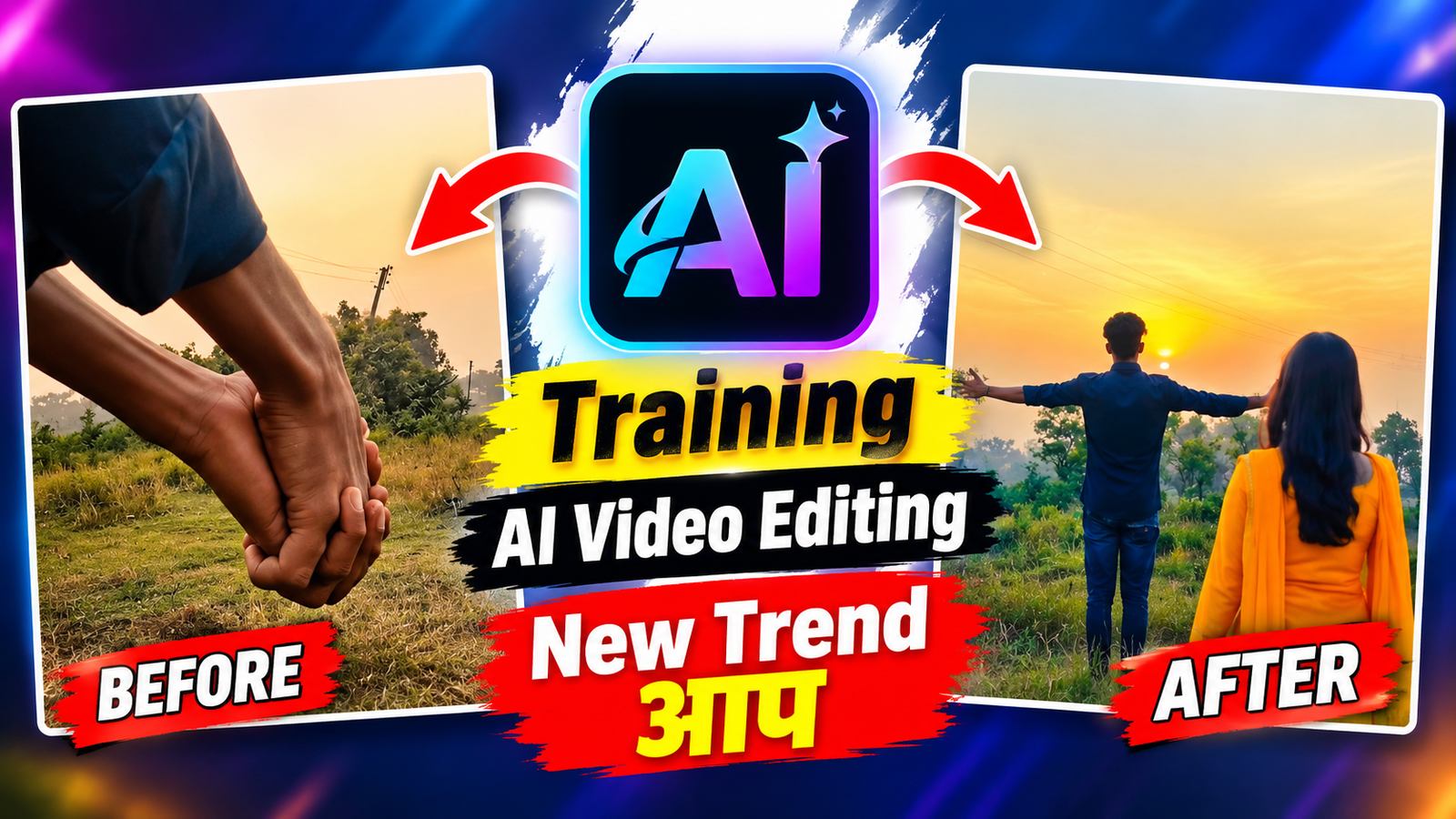
Flow AI is a cutting-edge video generation tool that allows creators to build high-quality videos using simple text prompts and reference photos. This tool helps maintain scene consistency across different frames without requiring complex manual editing.
Example: A user enters a text prompt describing a scenic riverside environment, and the AI instantly generates a realistic background setting.
2. Adding AI Characters and Motion
With Flow AI, you can easily control character movements such as extending a hand, walking, or hugging. This technology brings natural human-like gestures into AI-generated videos seamlessly.
Example: The prompt specifies: ‘A boy stands near the river stretching his hand out, and a girl walks in from behind to hug him.’
3. Custom Face Swapping with a Single Photo
One of the key advantages of this technique is that you do not need to train a full AI model. By uploading just one photo of your face, the AI swaps it onto the generated character in the video.
Example: Uploading a single headshot replaces the face of the AI-generated boy or girl while keeping the original lighting, clothing, and background intact.
4. The Art of Prompt Engineering
Writing precise text prompts is essential for getting high-definition results. Specifying details like outfit colors, background environment, and camera angles guides the AI toward your vision.
Example: Prompt: “A young man in a plain white t-shirt and a girl in cream-colored oversized clothing posing near a riverbank during golden hour.”
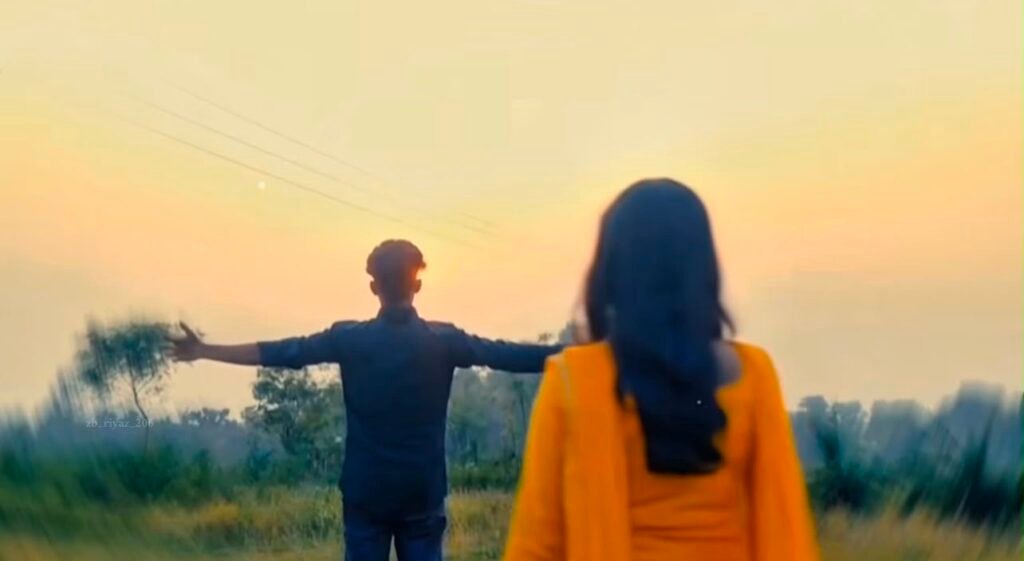
"CREATE A VIDEO STARTING WITH A CLOSE-UP. A BOY EXTENDS HIS HAND, THEN HIS OTHER HAND COMES IN TO GRASP IT, AS IF HOLDING HANDS. WHILE HOLDING HANDS, THE BOY MOVES FORWARD, THEN STANDS STRAIGHT AND PERFORMS A HAND MOVEMENT. FINALLY, A GIRL IN YELLOW CLOTHES ENTERS FROM THE SIDE AND HUGS HIM. THIS GIRL MUST BE AN AI-GENERATED CHARACTER."
5. Camera Angles and Cinematic Transitions
To give the video a professional aesthetic, camera techniques such as zooms, pans, and smooth cuts are incorporated. This ensures that scene transitions feel fluid and cinematic.
Example: The video begins with a close-up tracking shot of a hand gesture, which smoothly transitions into a wide shot showing both characters together.
6. Color Grading and Visual Aesthetics
Color grading sets the overall tone and emotion of the narrative. Adjusting warmth, contrast, and highlights gives AI-generated clips the look of a high-budget film production.
Example: Applying a warm golden-hour filter to the outdoor river landscape creates a soft, romantic atmosphere throughout the video.
7. The Future of AI Content Creation and Conclusion
AI platforms like Flow AI have democratized video production, allowing anyone to produce viral-ready content without expensive camera gear or shooting locations.
Example: Creators can produce studio-quality Instagram Reels or YouTube videos directly from their smartphones using just a text prompt and a face photo.
Let me know if you would like any further adjustments!