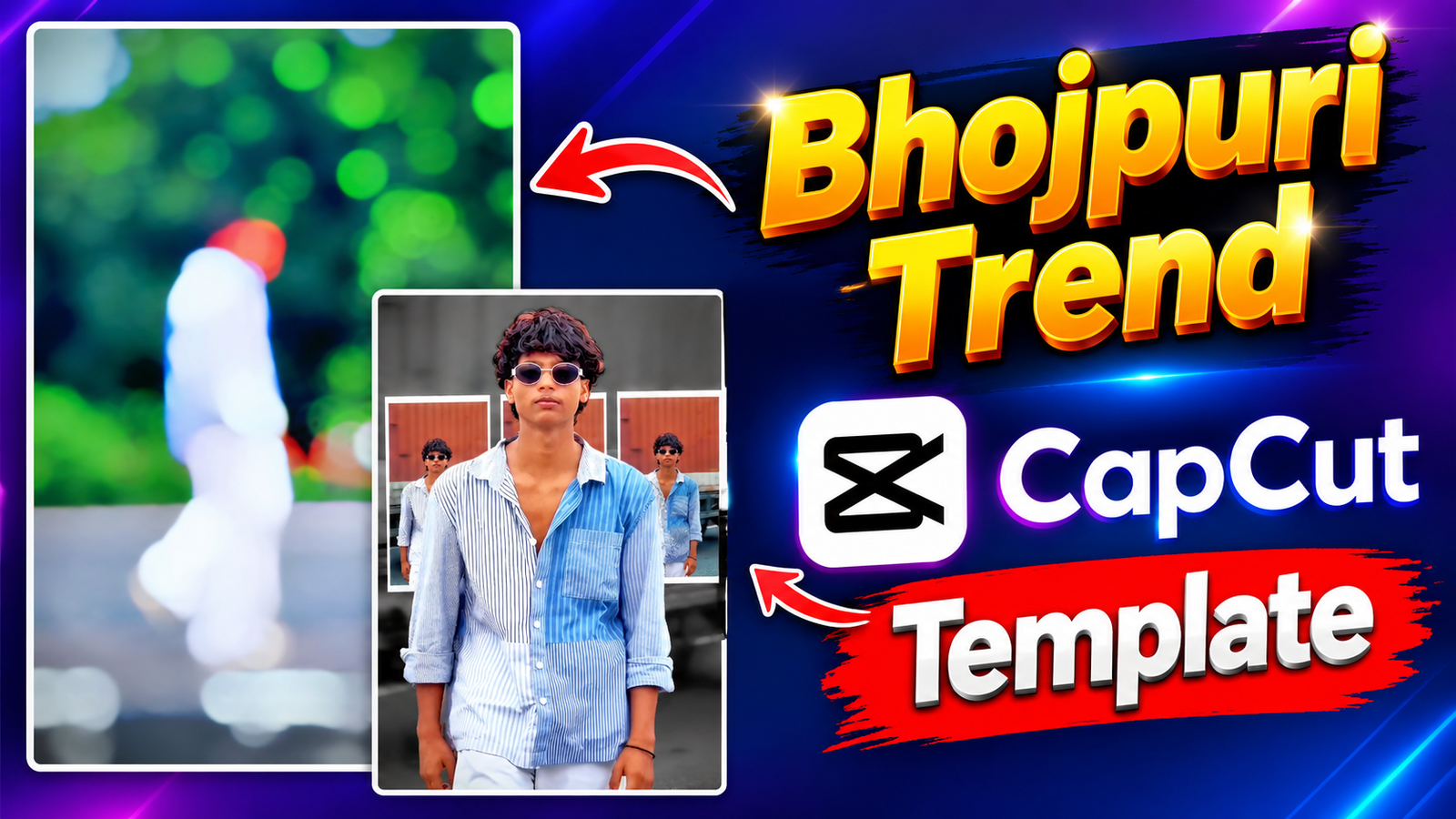
: To create a CapCut template that instantly grabs attention, you must align your transitions with the beat drops of popular songs. This creates a satisfying rhythm that encourages users to fully engage with your content.
2. Motion Blur & Dynamic Zoom Effects:
Incorporating motion blur during fast cuts or zooms adds a cinematic quality to your templates. This technique makes the movement look fluid and professional, ensuring that even standard user footage looks polished.
3. The Retro-Style Photo Slide Transition:
Layering multiple overlapping photos in a sequence gives your template a nostalgic, album-like aesthetic. It allows users to display several memories at once, making it perfect for daily vlogs or social media photo dumps.
4. Utilizing Smooth Street-Style Panning:
Showcasing a subject walking through an urban environment with natural movement helps creators tell a story. This motion adds energy and authenticity to the overall video experience.

5. Text Overlays and Visual Styling:
Strategically placing aesthetic text overlays enhances the storytelling aspect of your template. It provides context or prompts for the audience, ensuring your message stands out visually on the timeline.
6. Conclusion:
By using these professionally designed templates featuring modern transitions and sync effects, anyone can produce high-quality content without needing advanced editing skills. Start experimenting with this style today and elevate your social media presence with just a few clicks.